Print templates
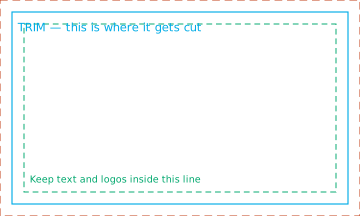
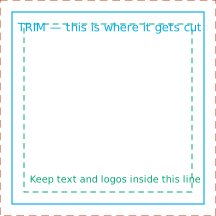
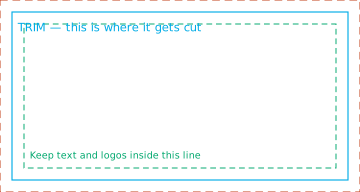
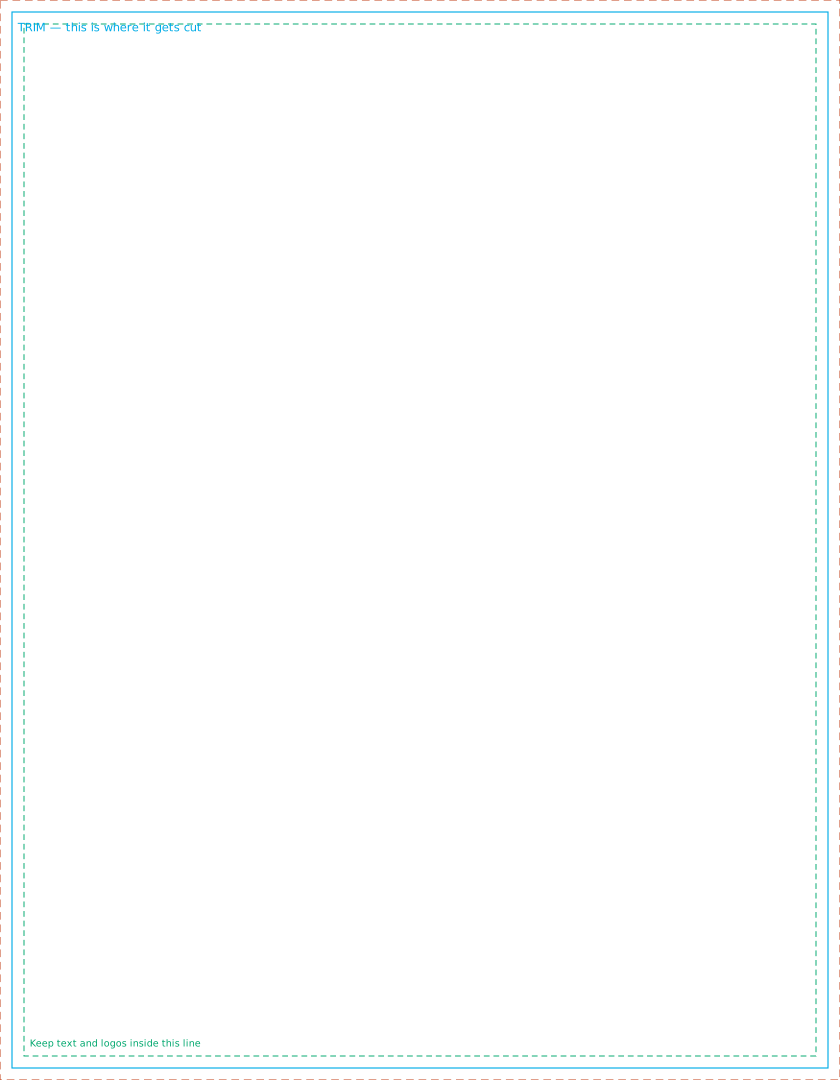
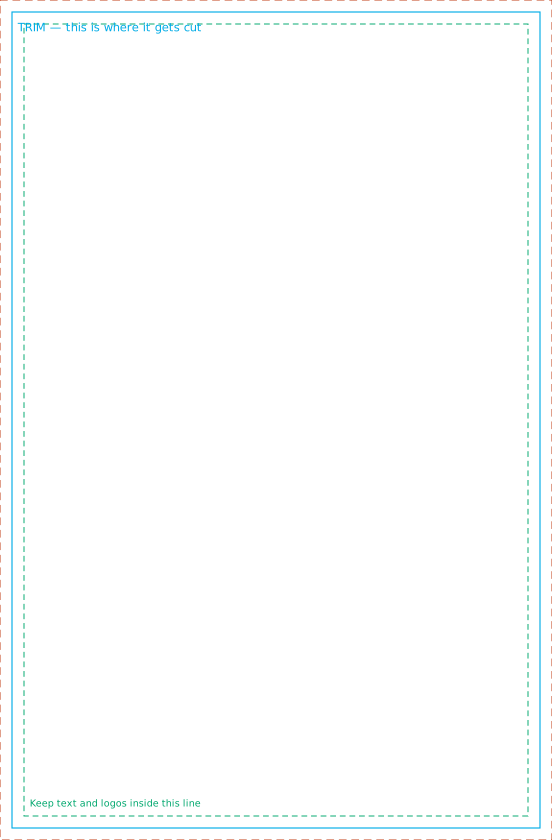
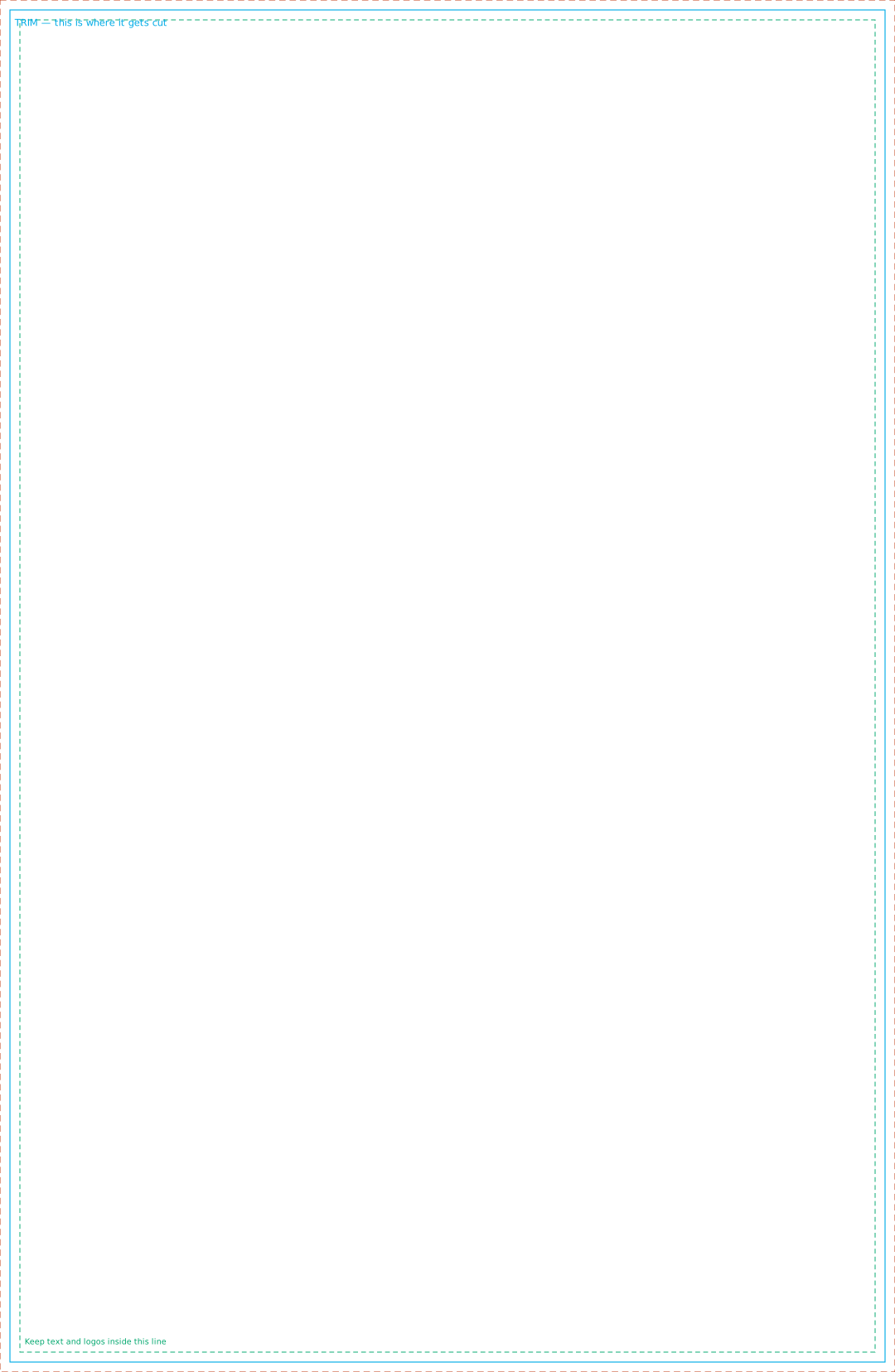
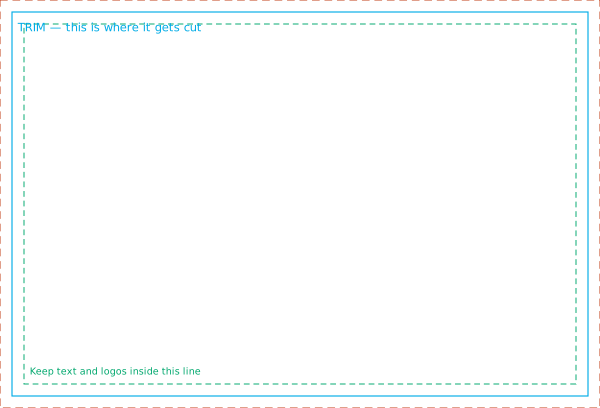
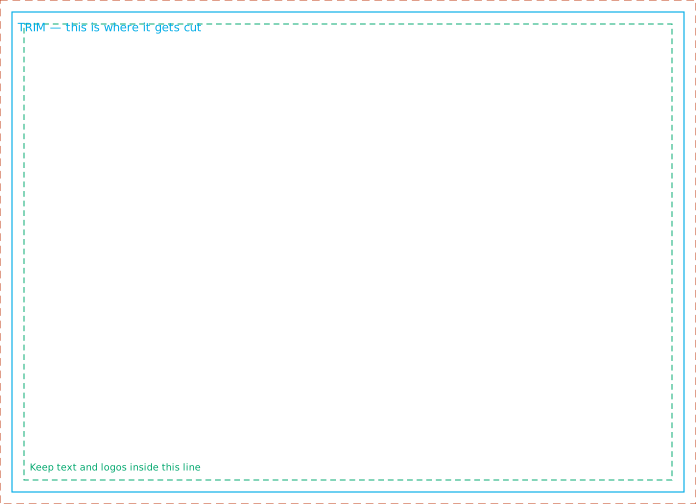
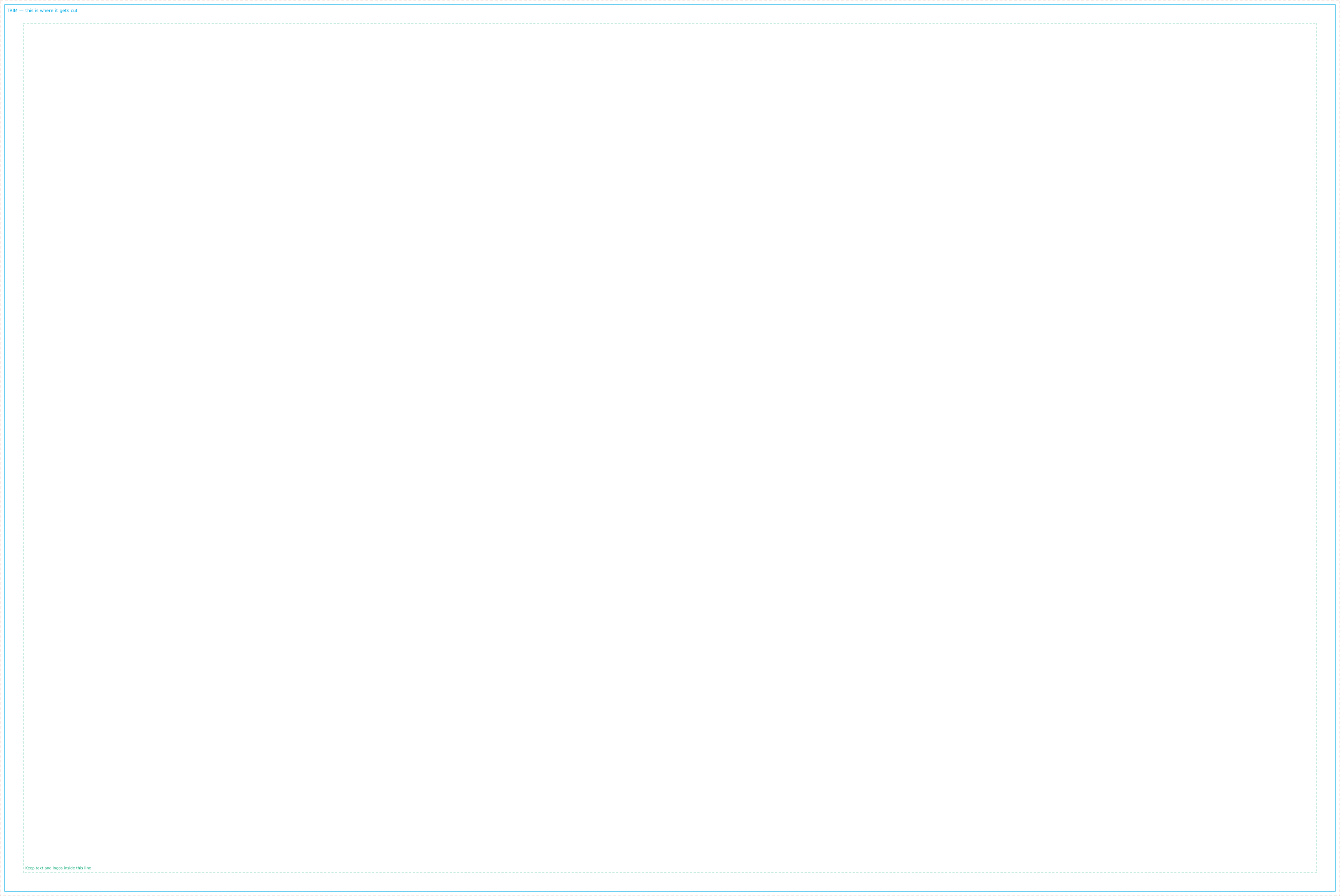
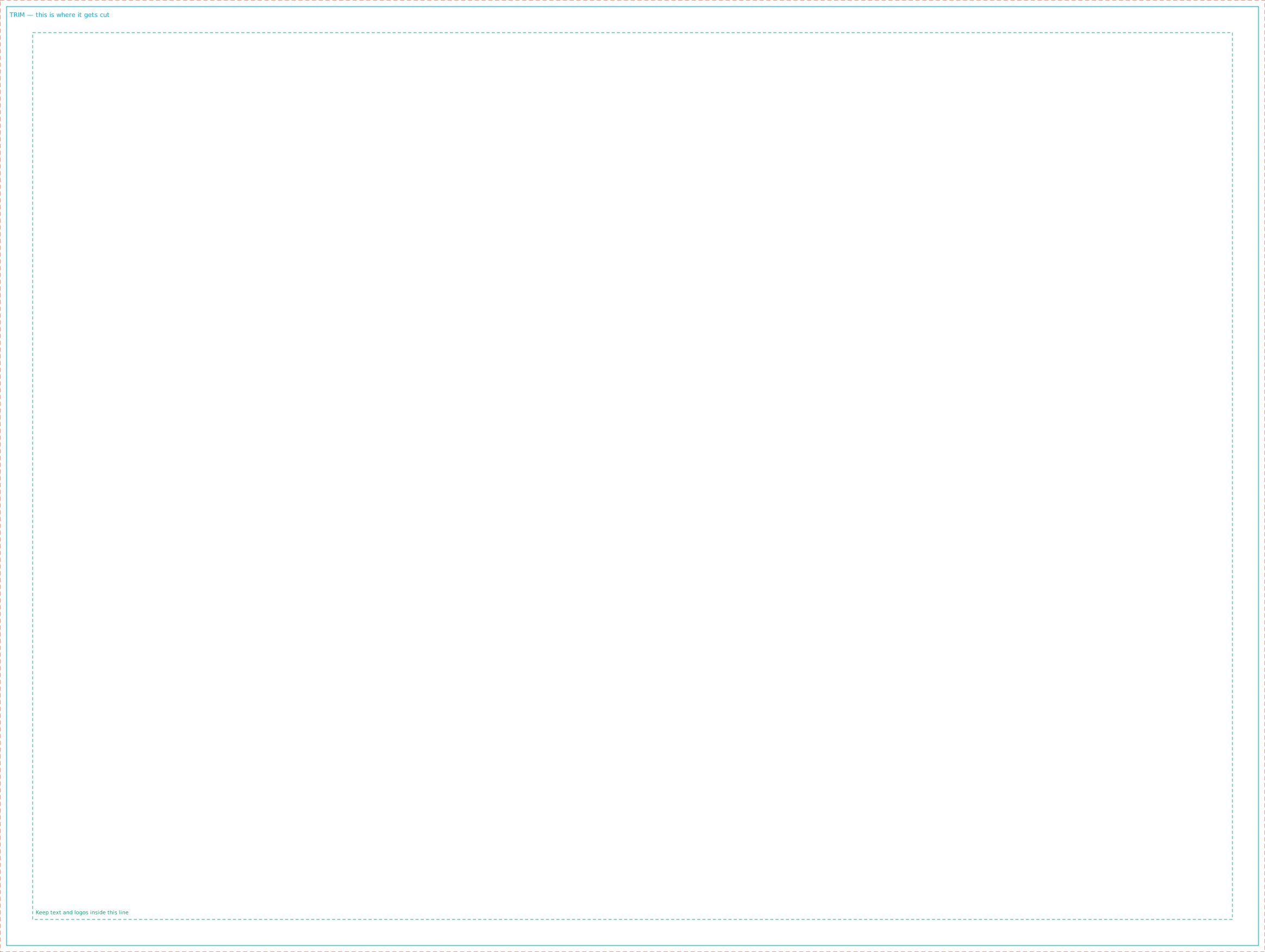
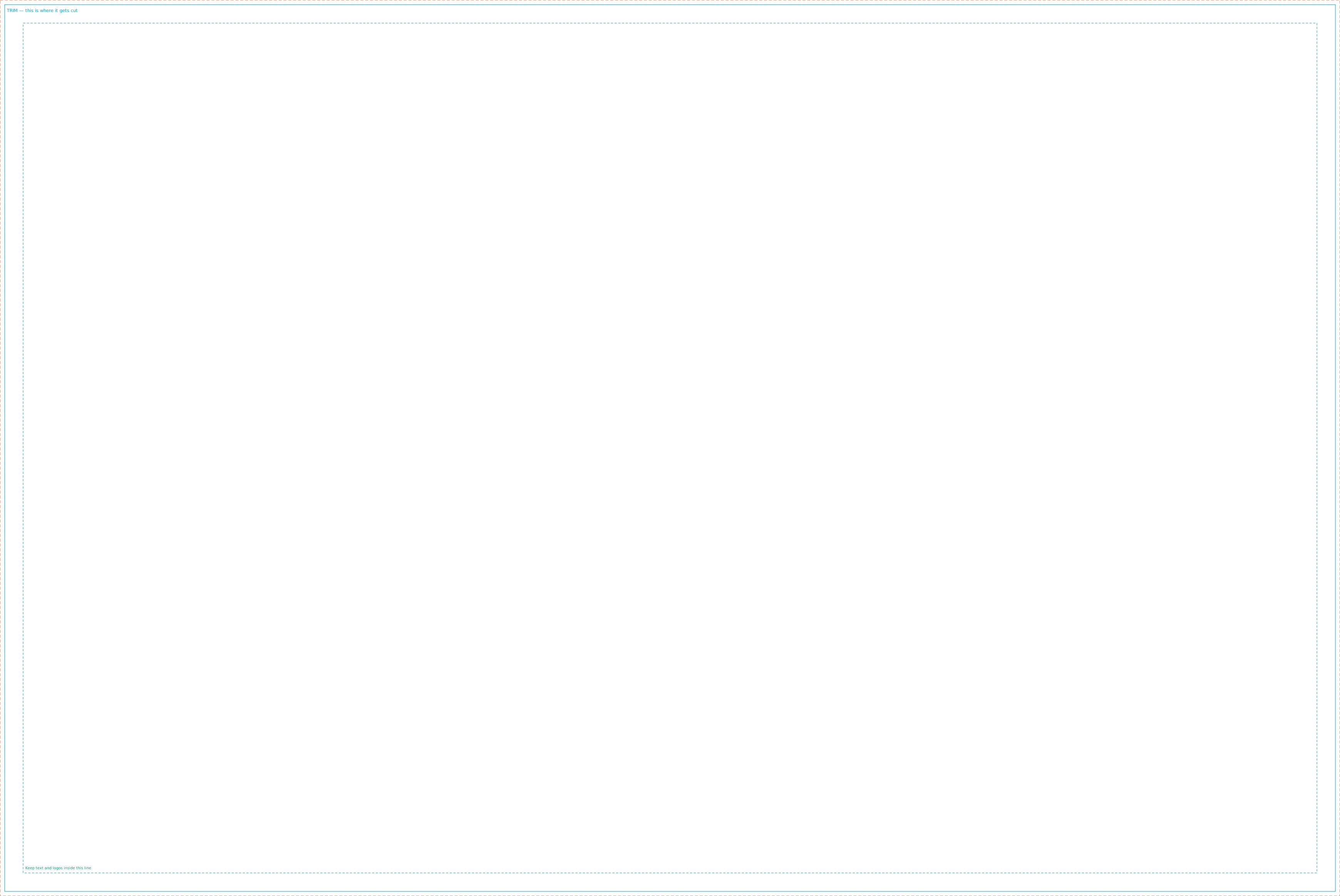
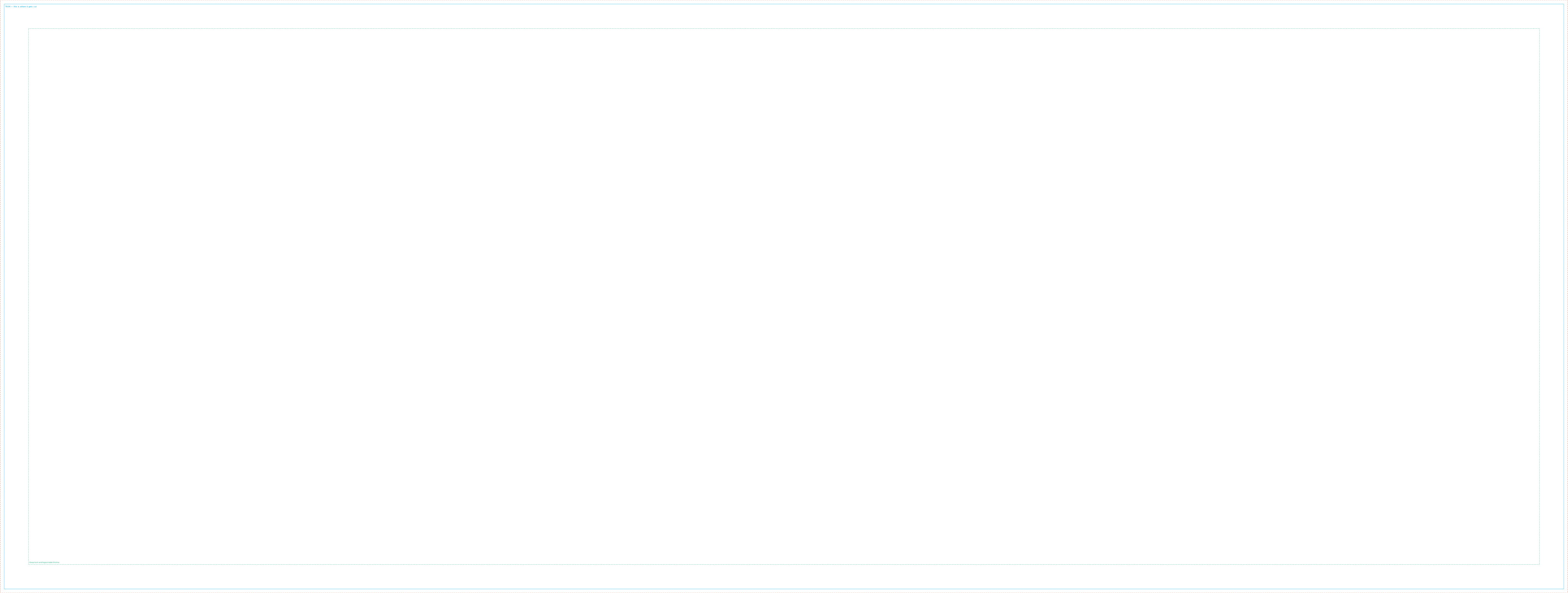
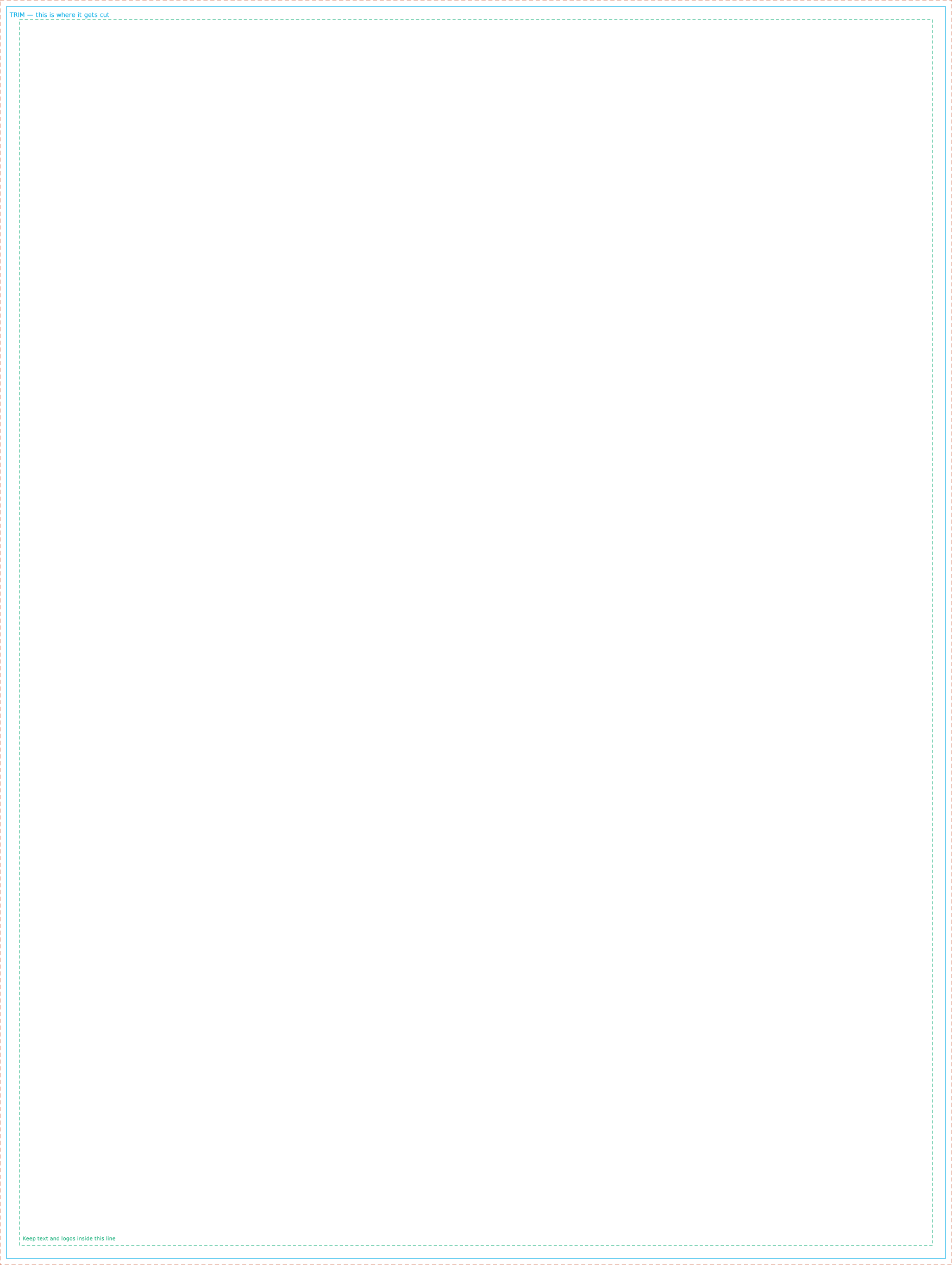
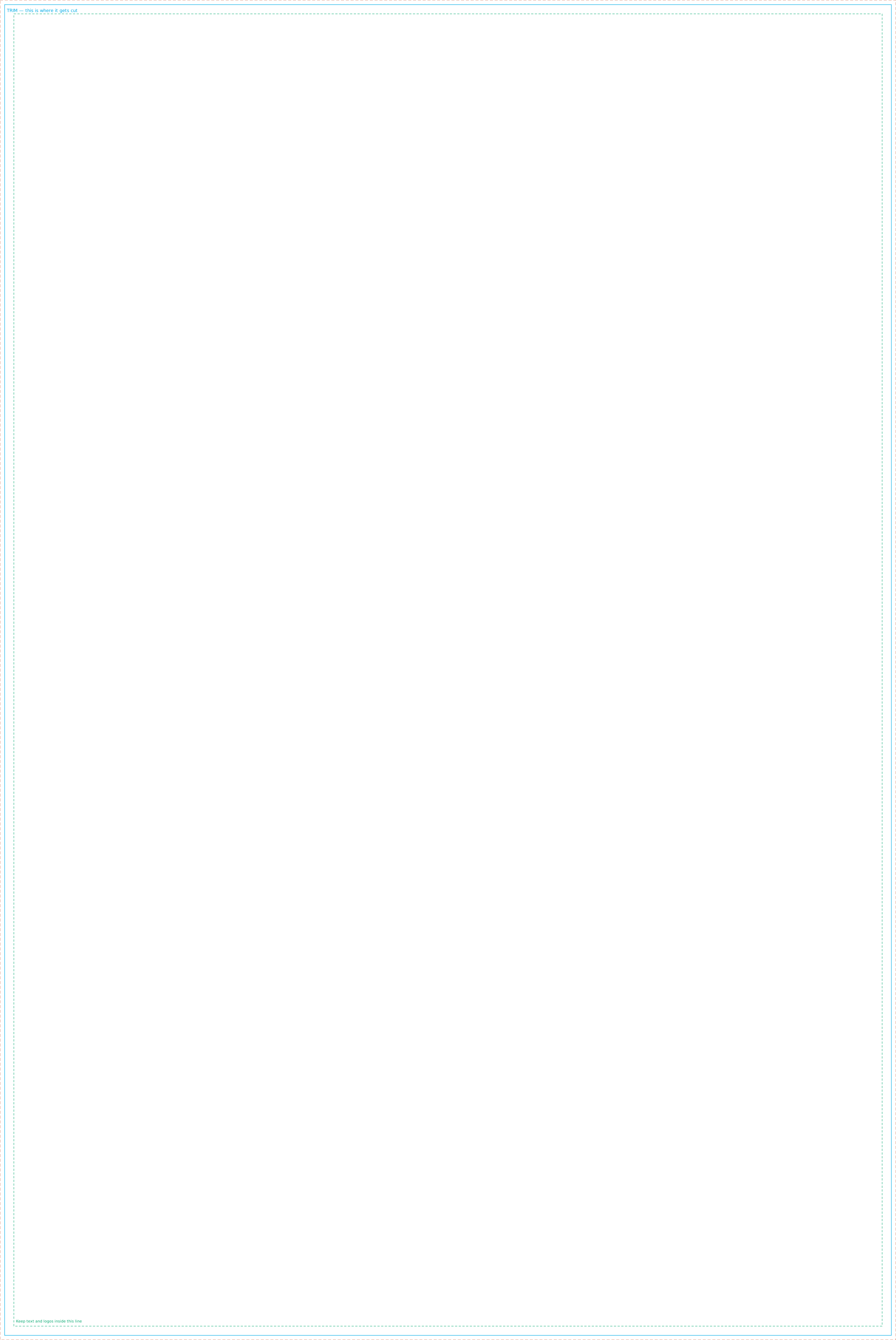
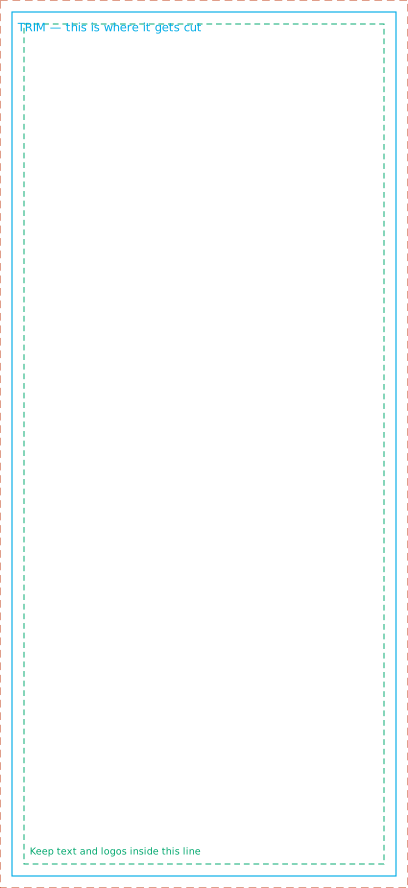
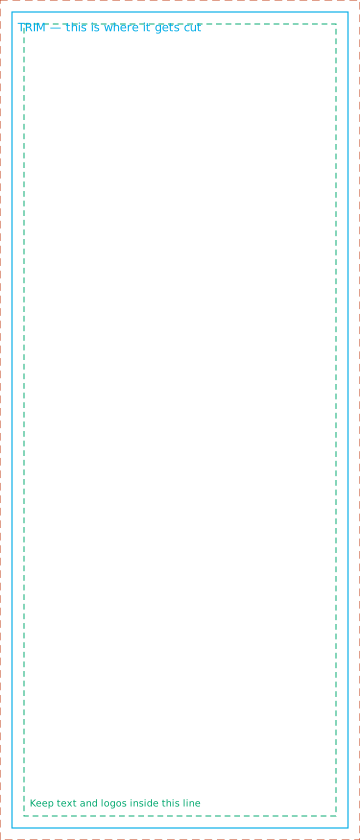
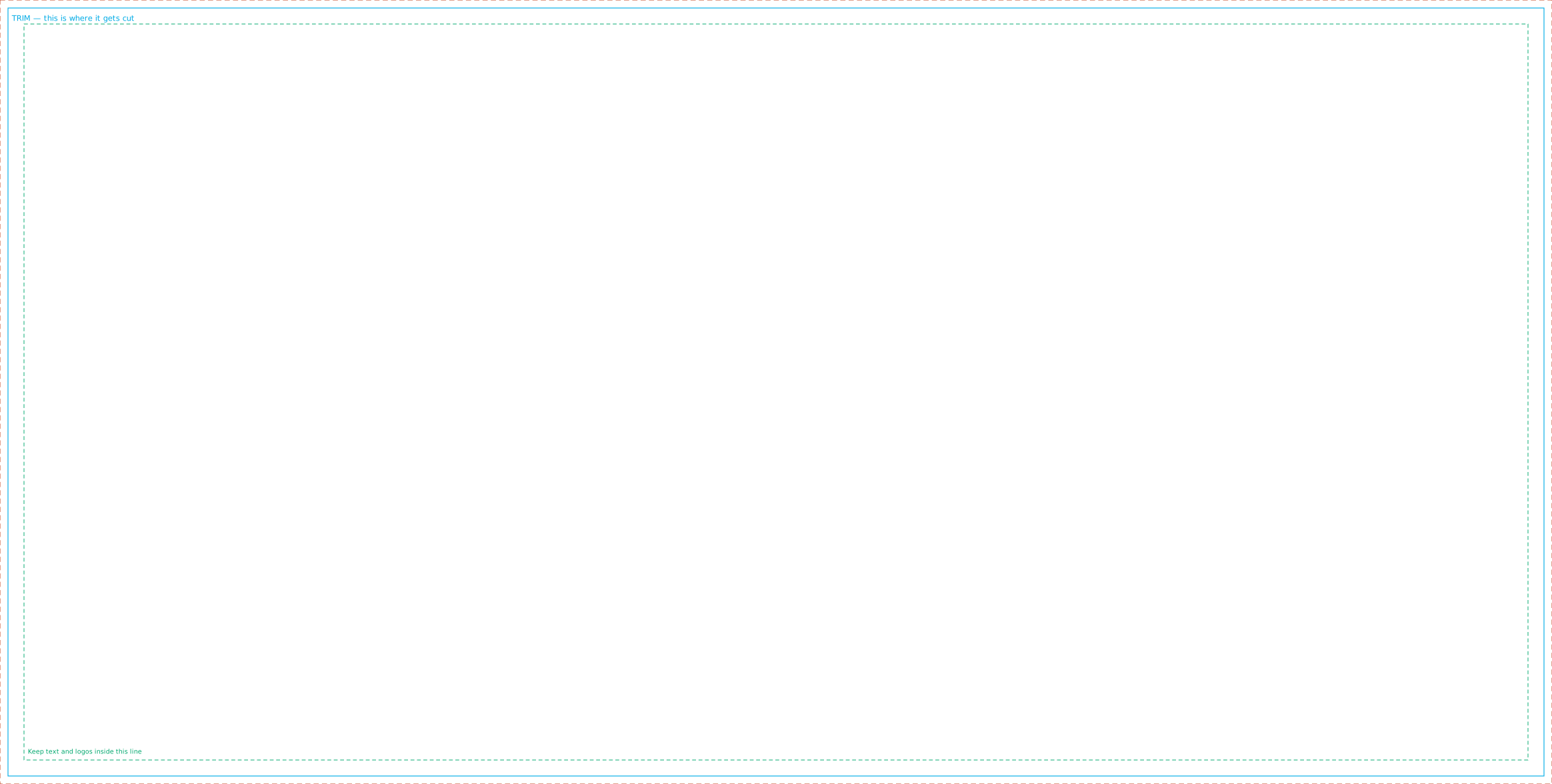
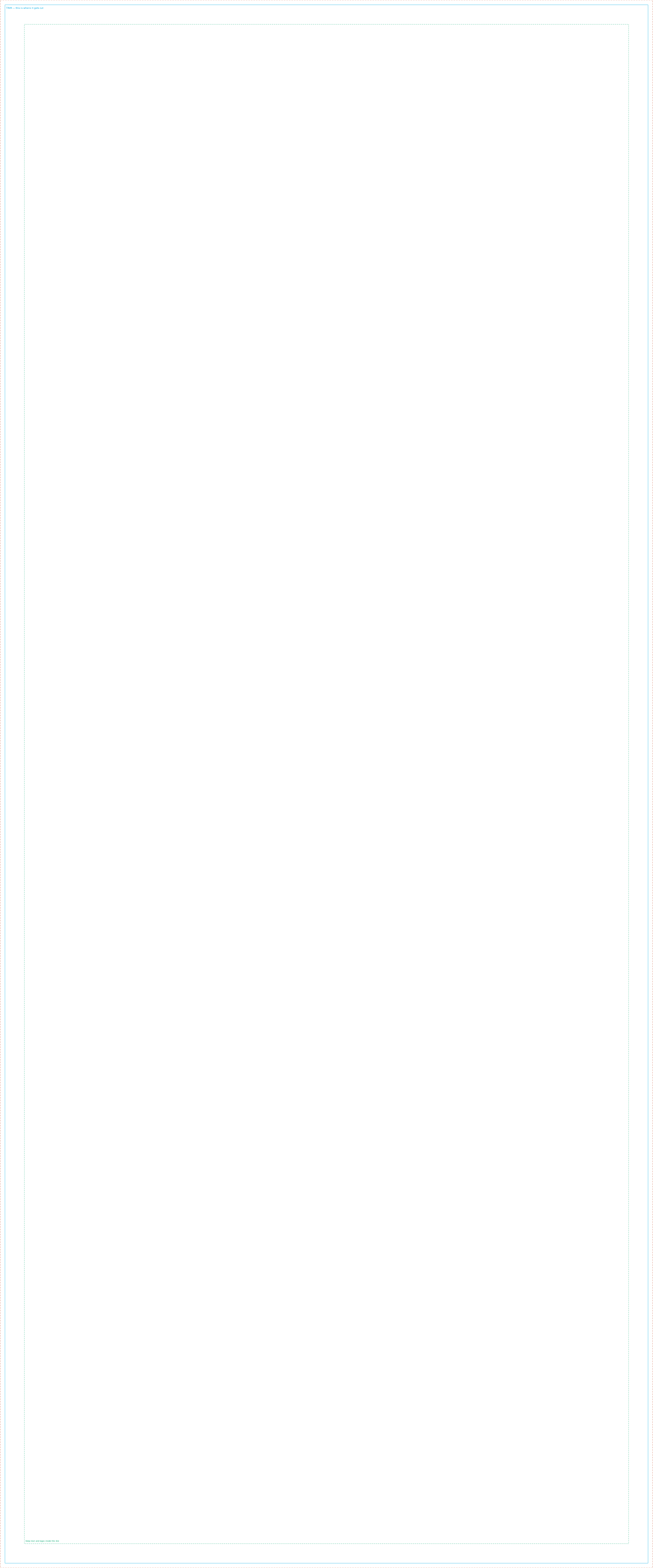
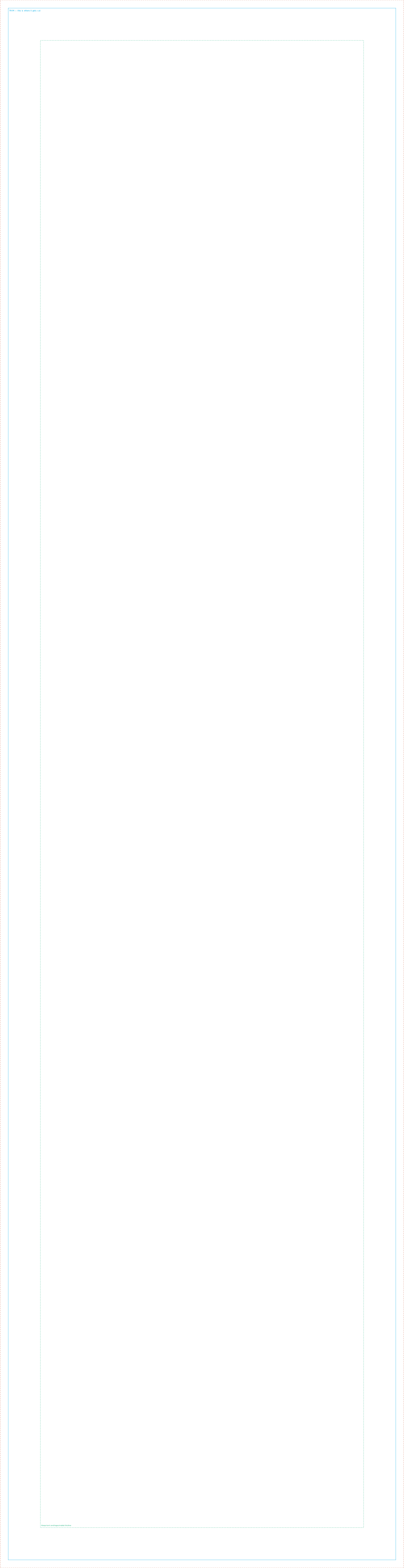
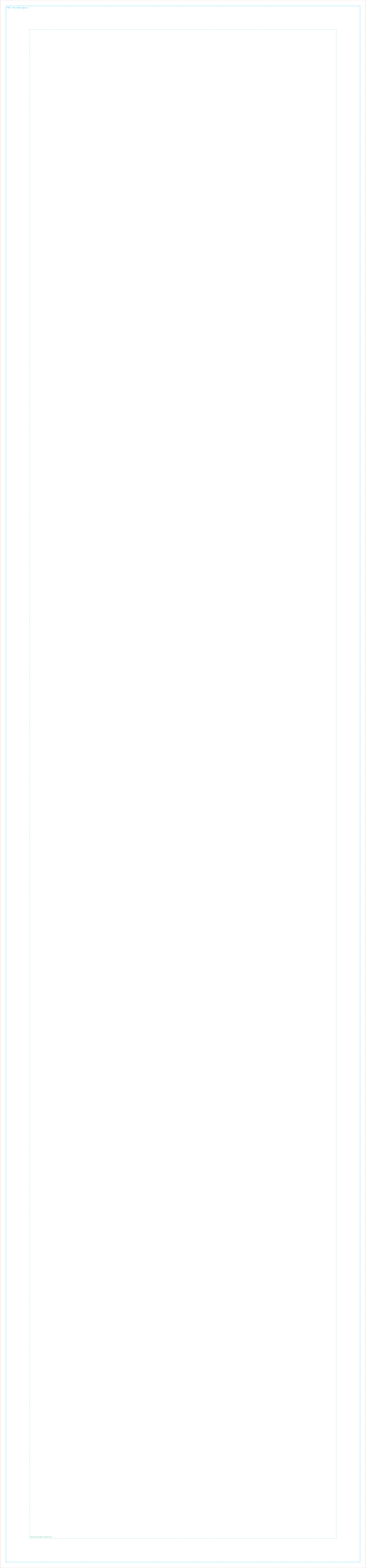
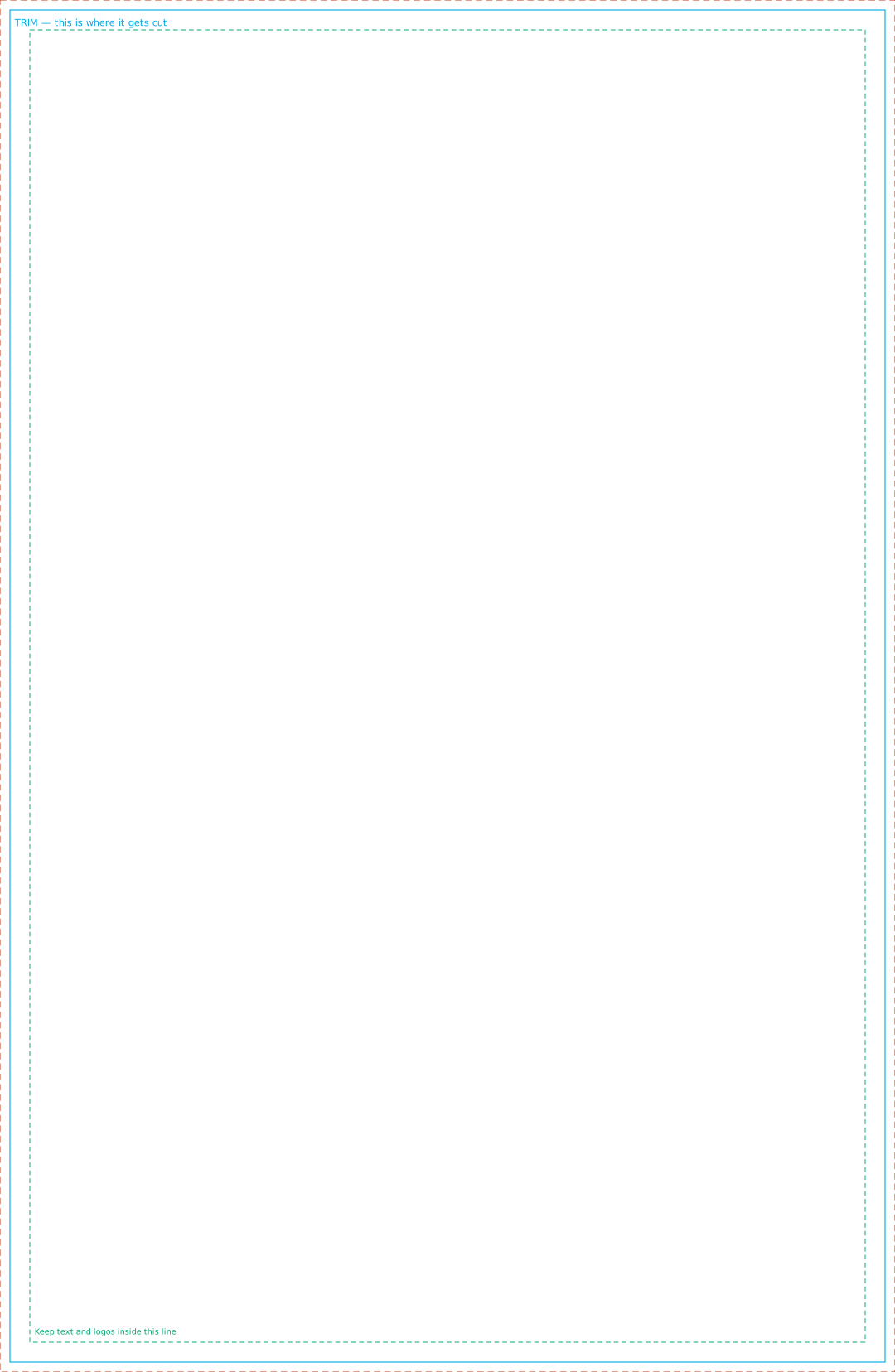
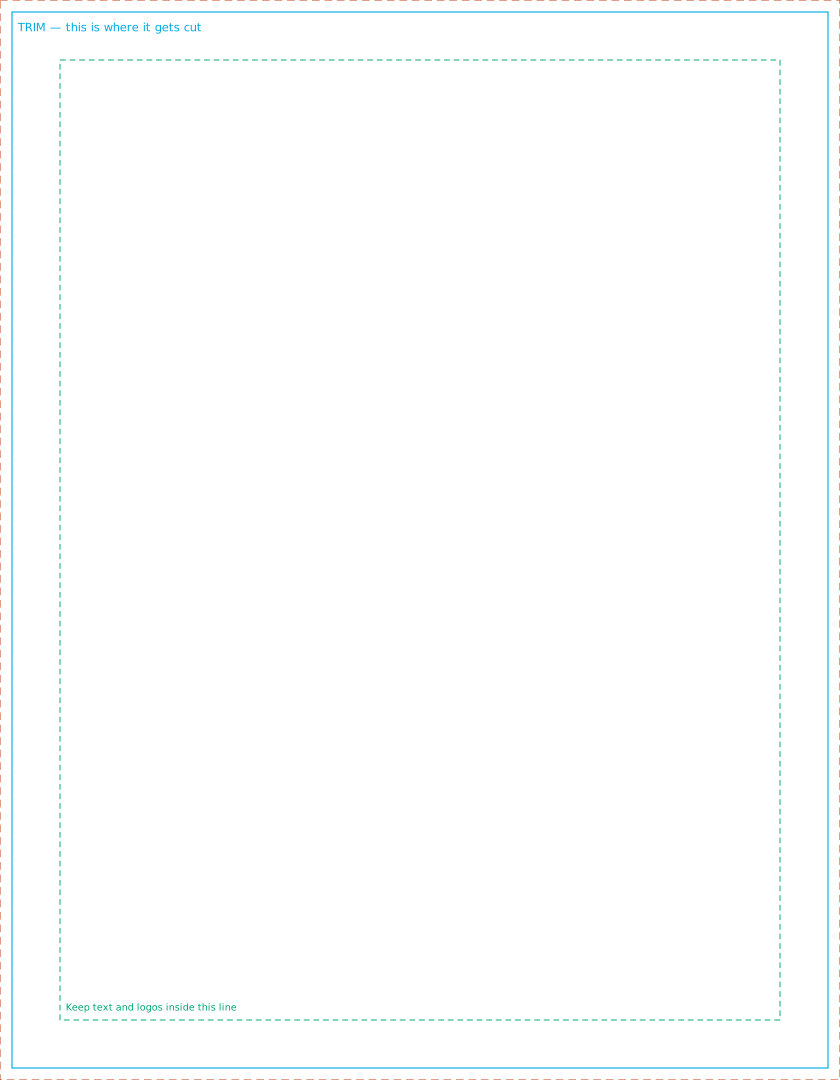
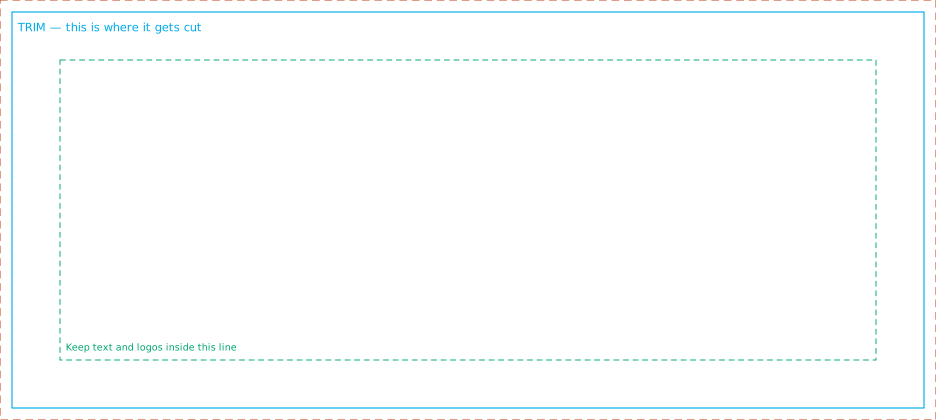
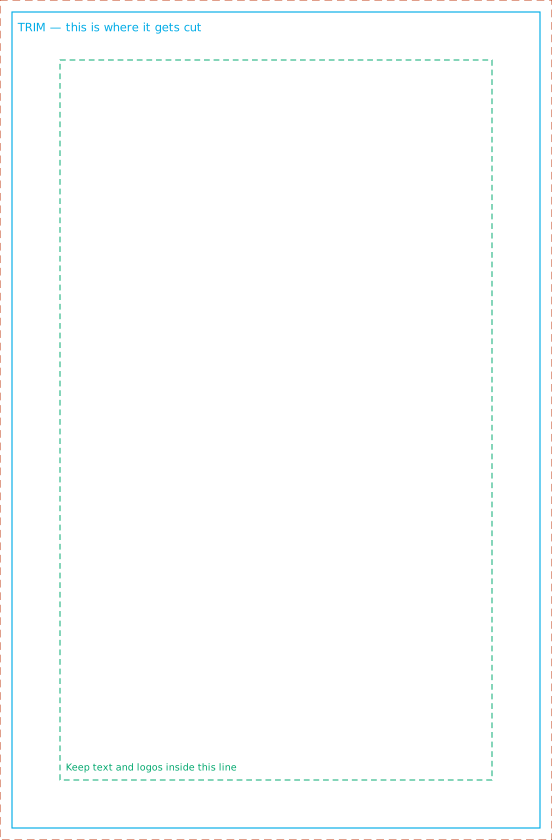
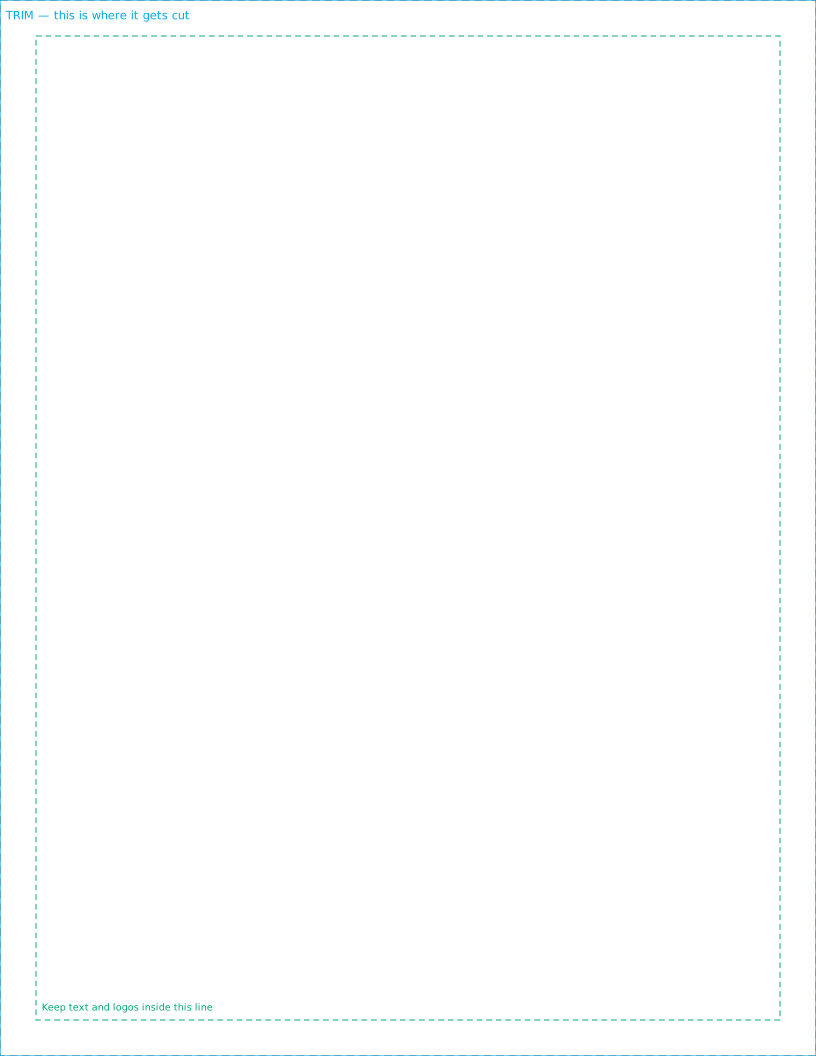
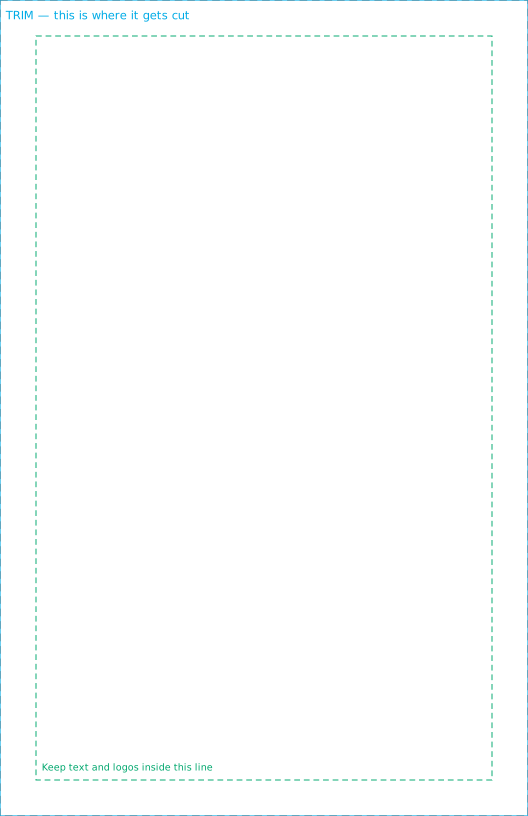
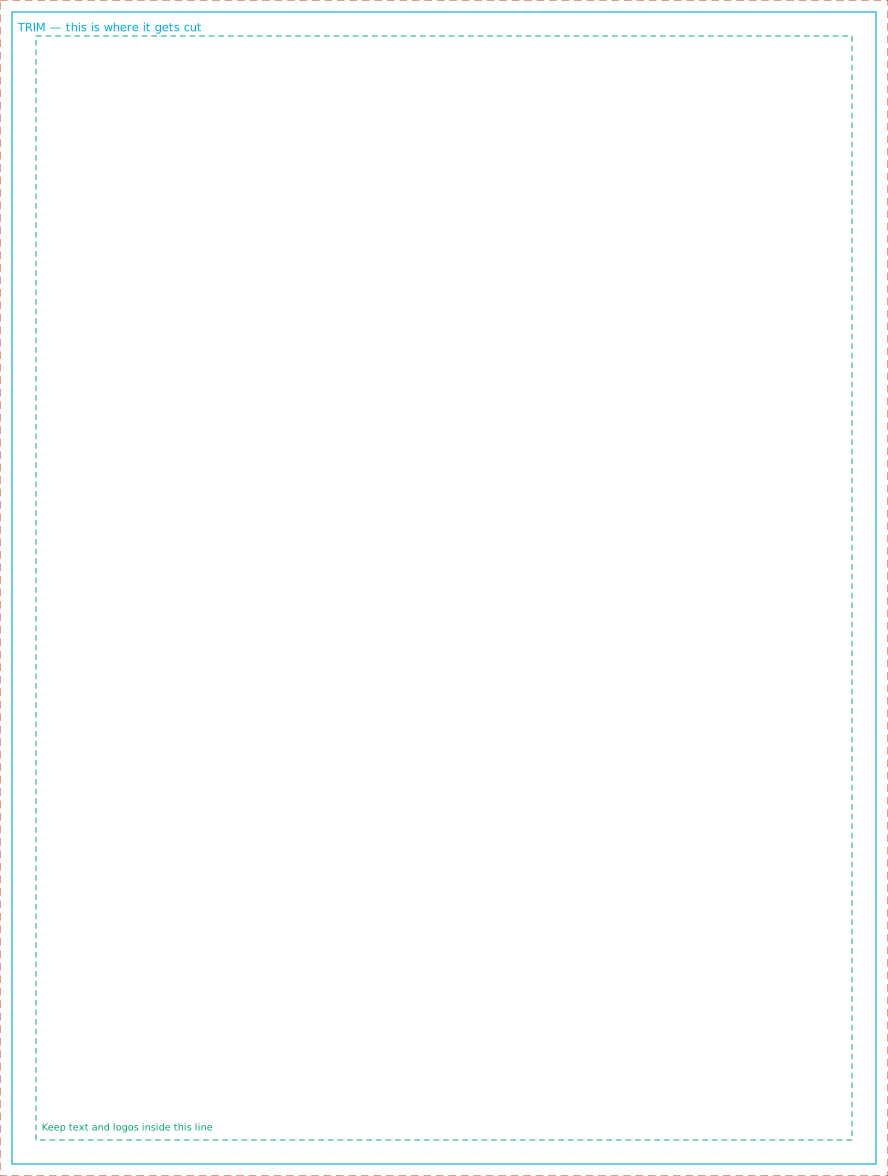
Every template below is generated from the same geometry the preview draws, so what you set up is exactly what the store measures. Open one in Illustrator, Affinity, Inkscape or Canva, build on the marked layer, and delete the guides before you send it.


How to use them
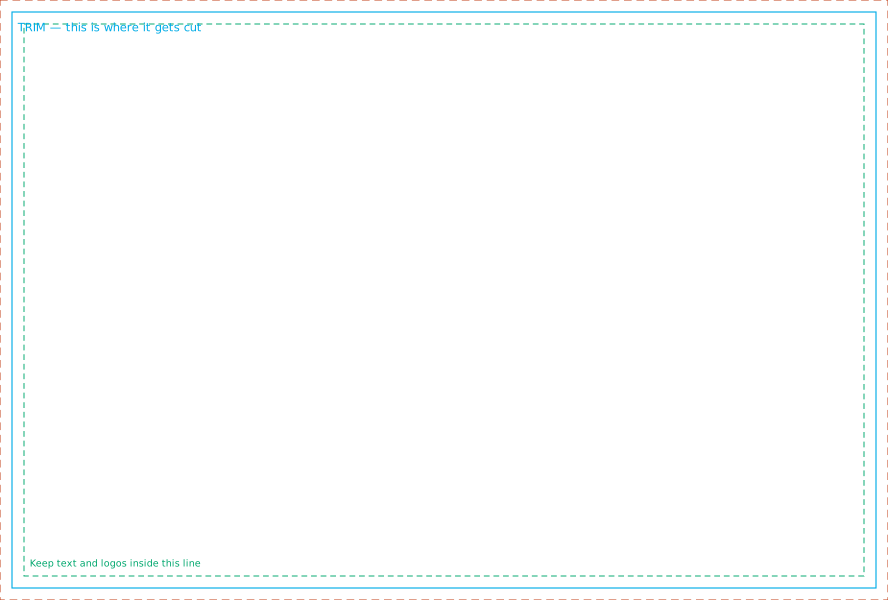
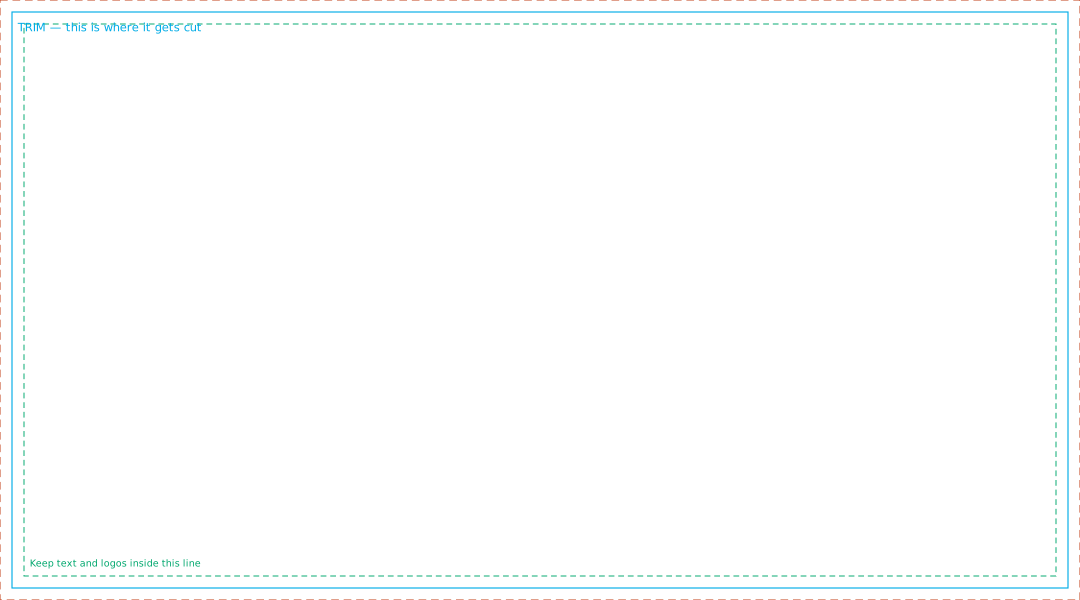
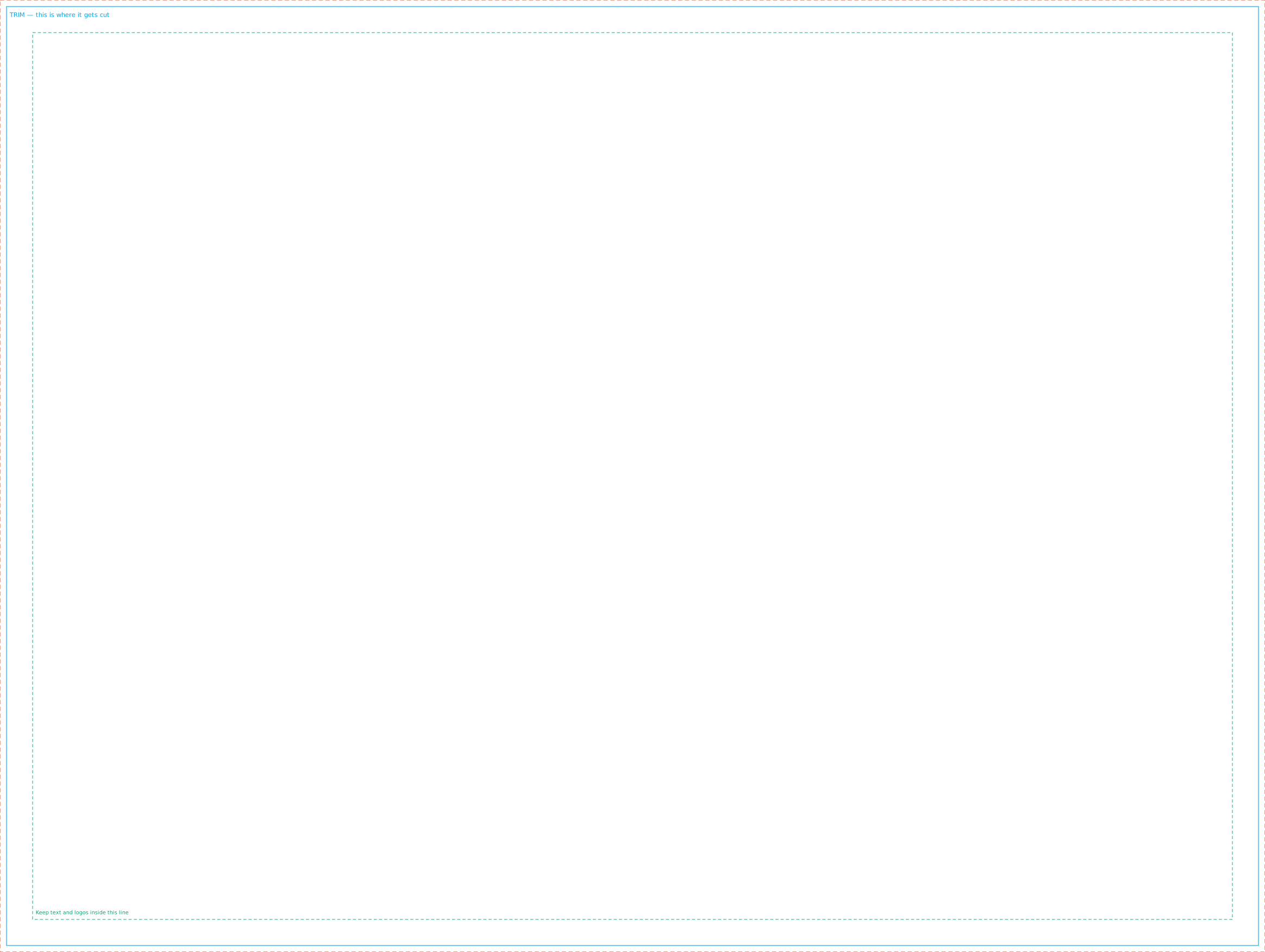
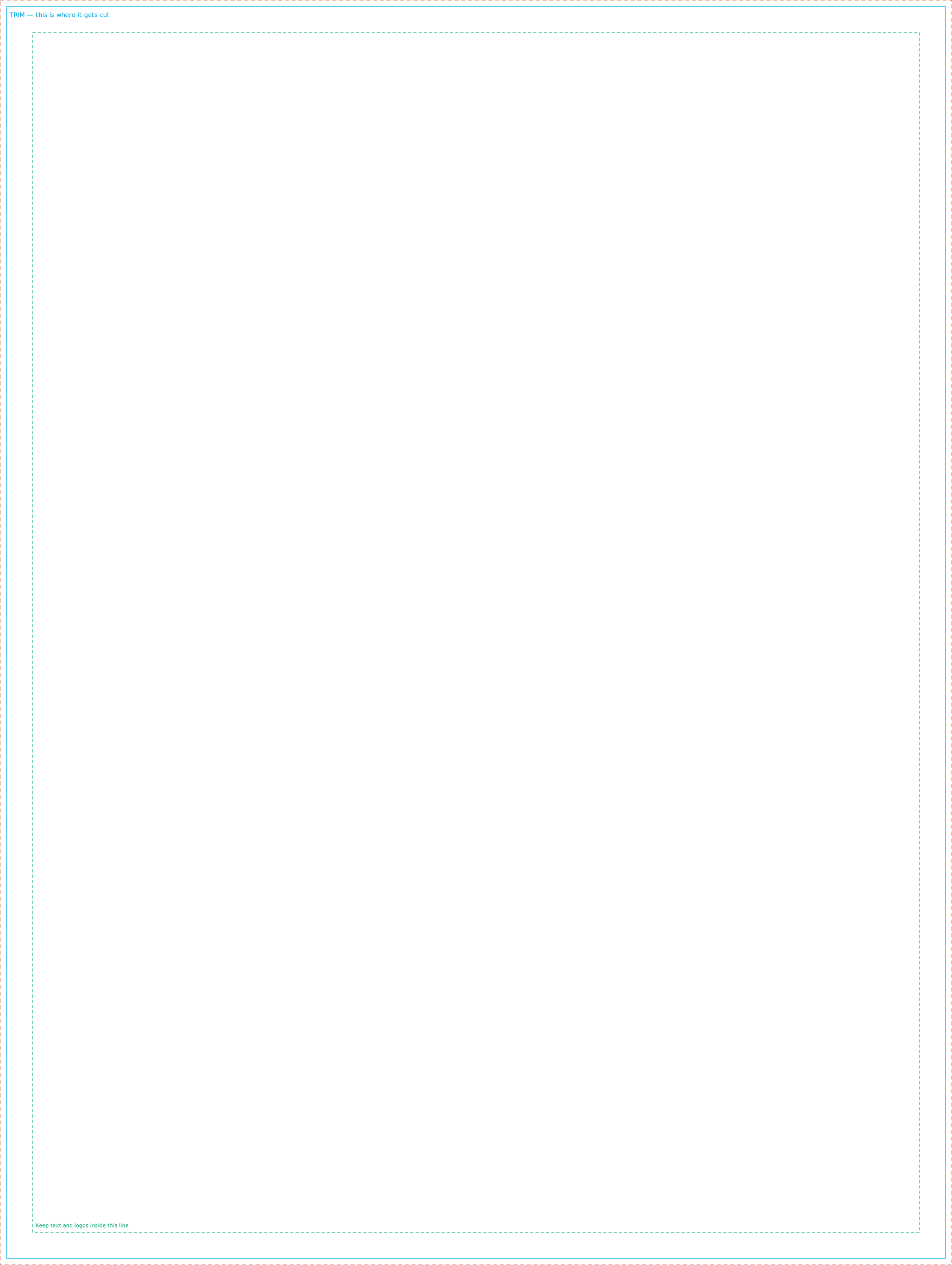
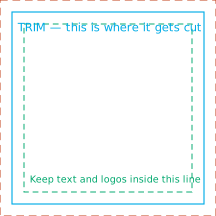
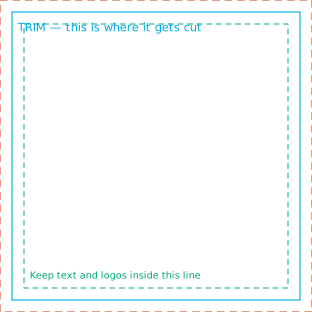
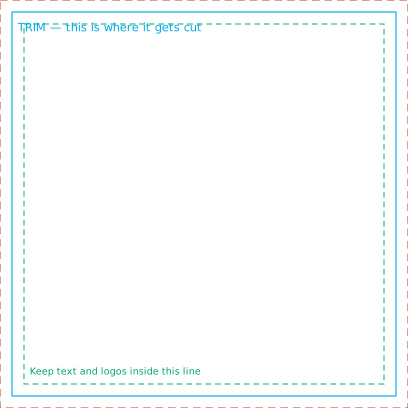
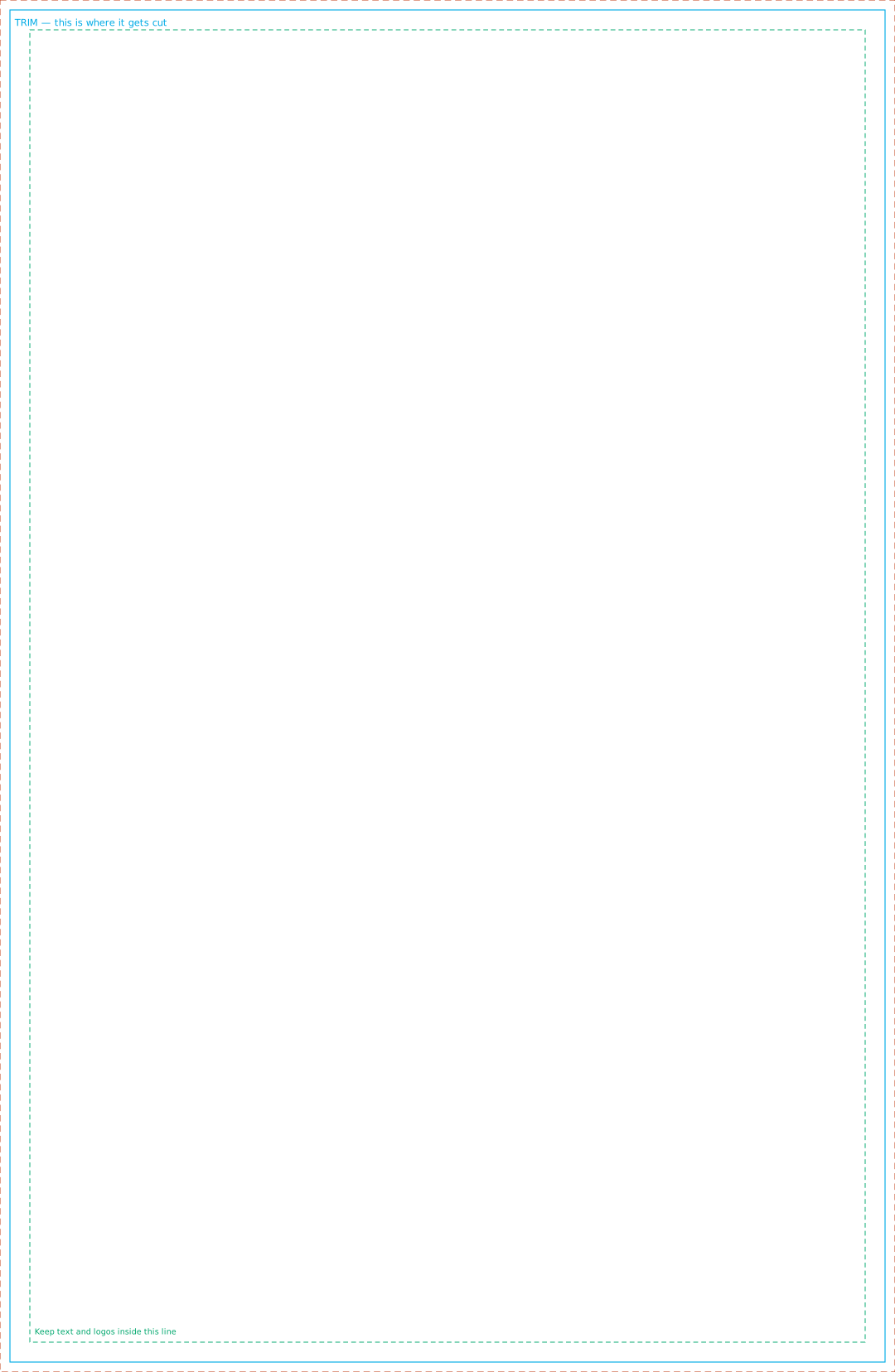
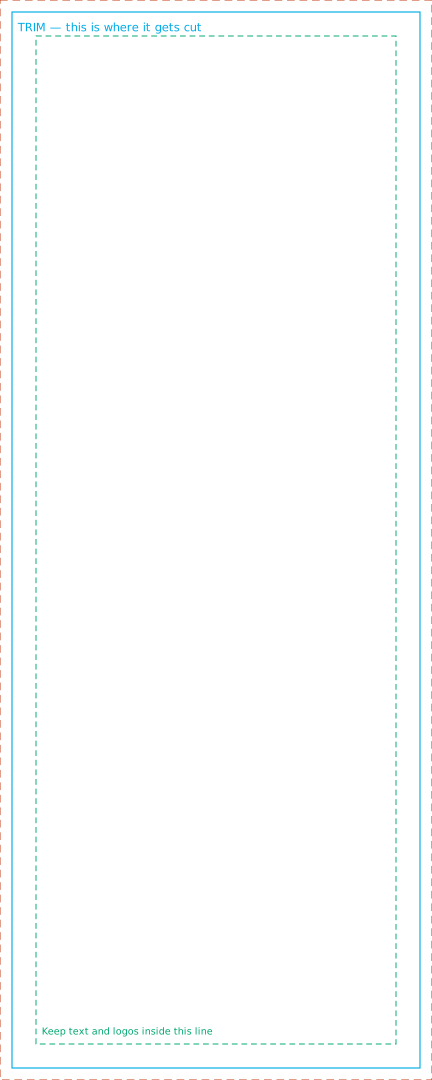
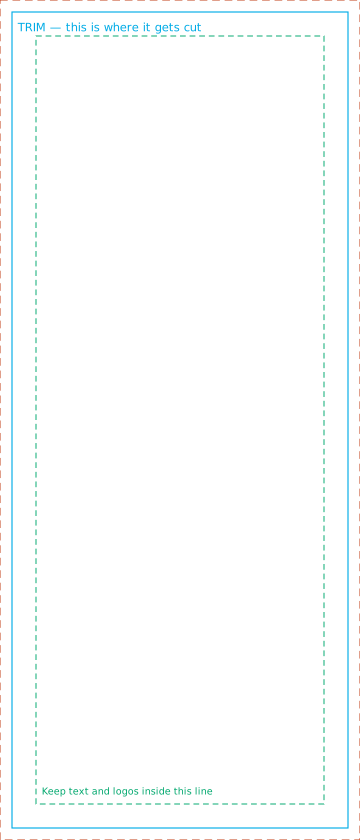
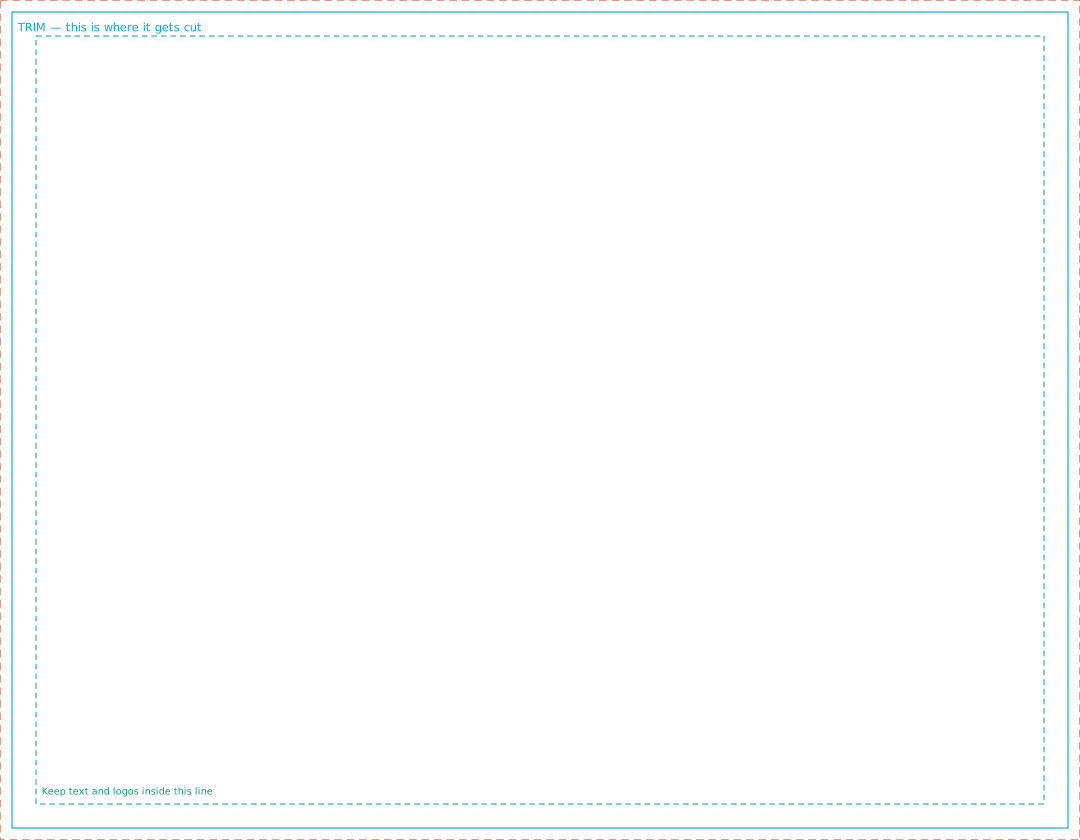
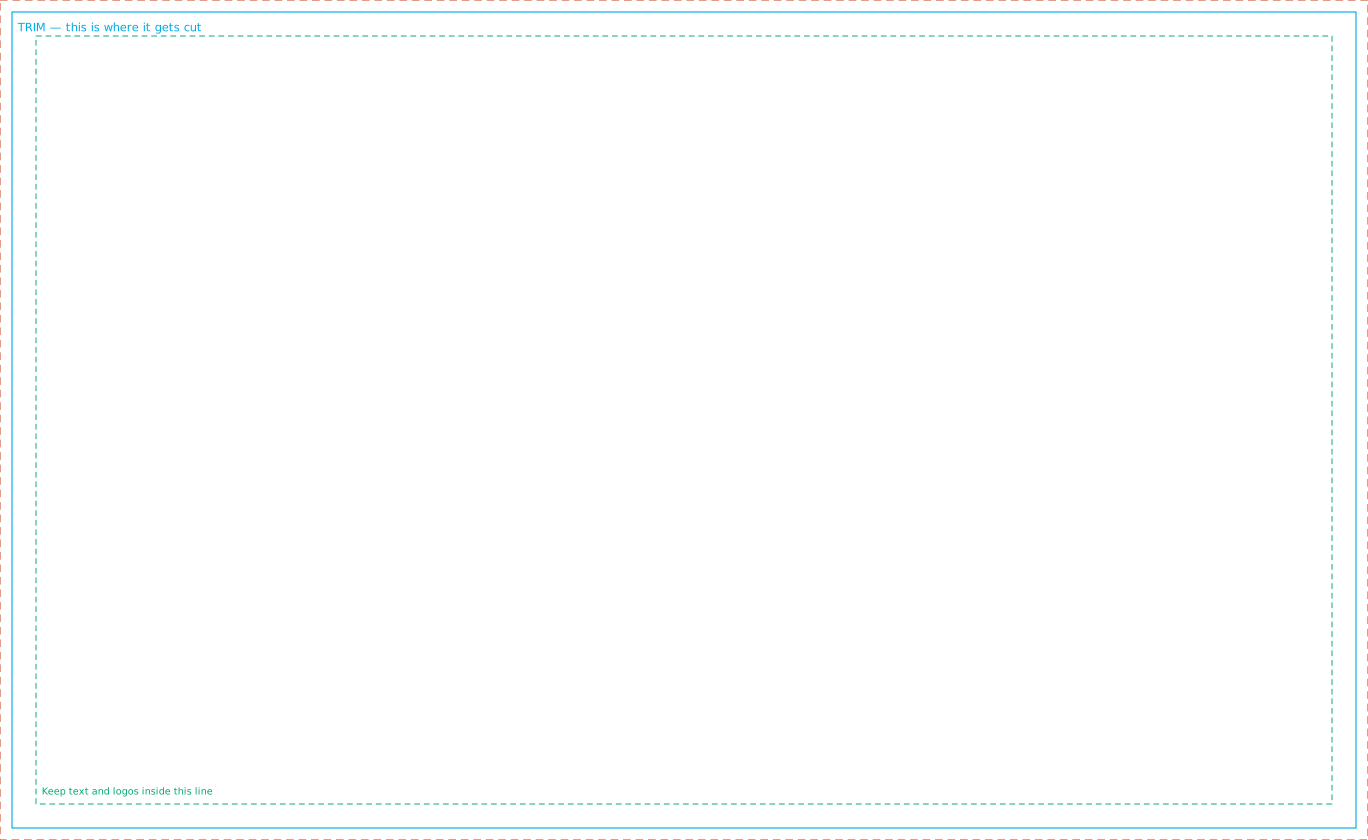
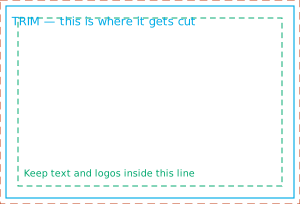
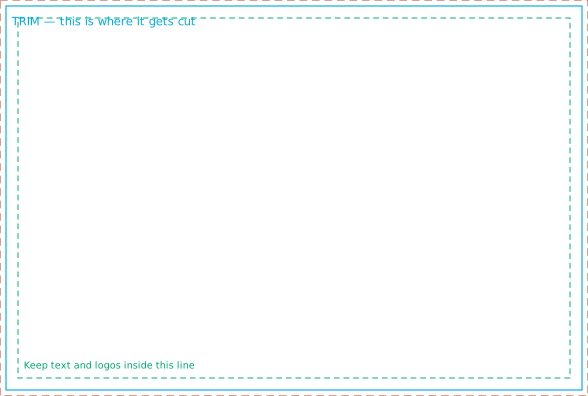
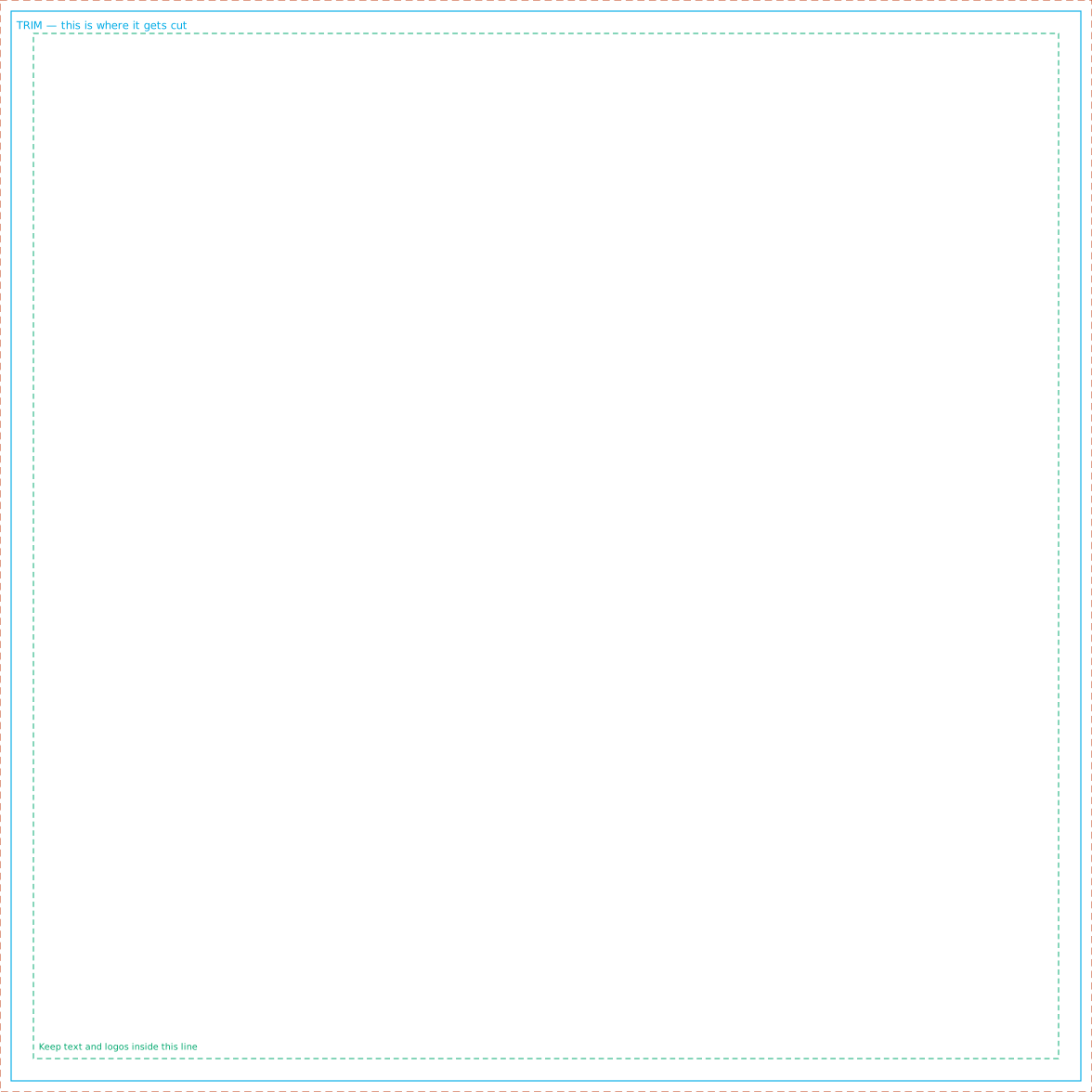
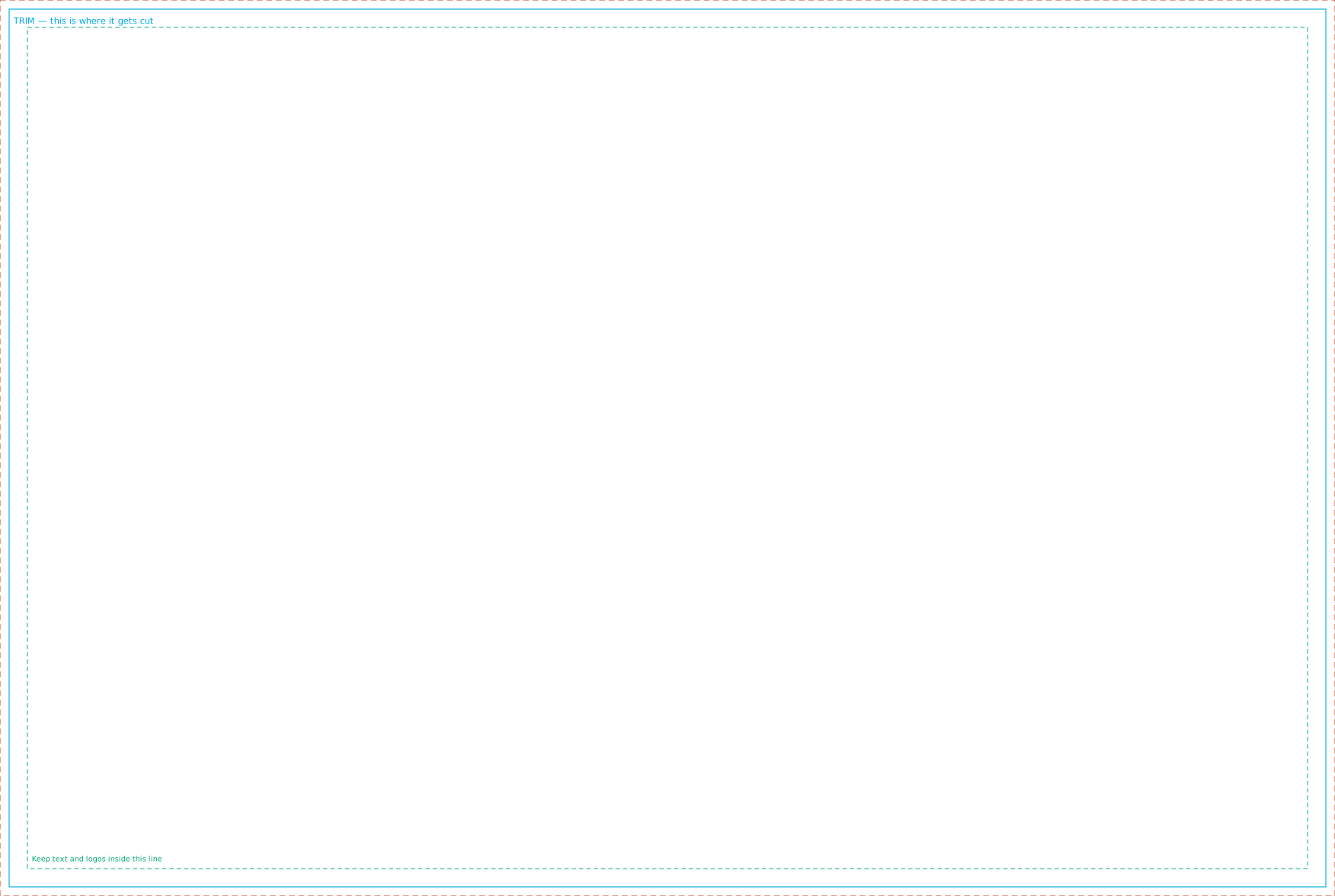
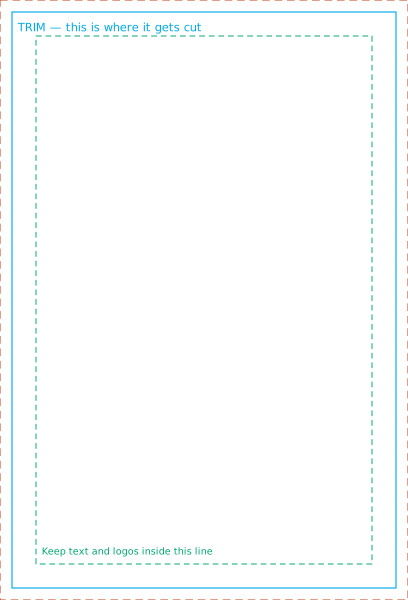
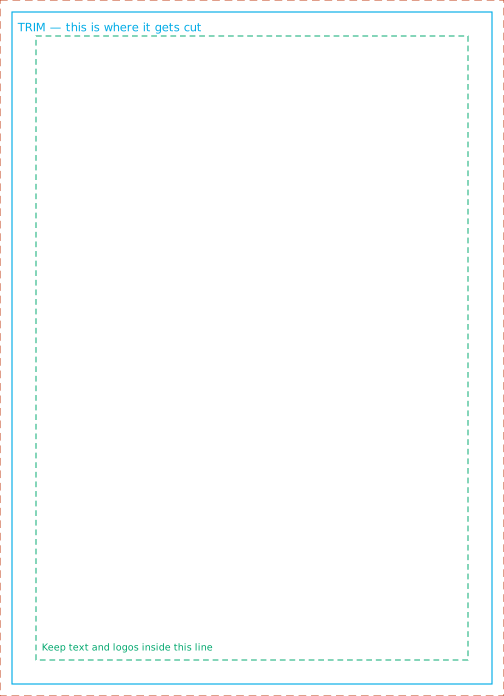
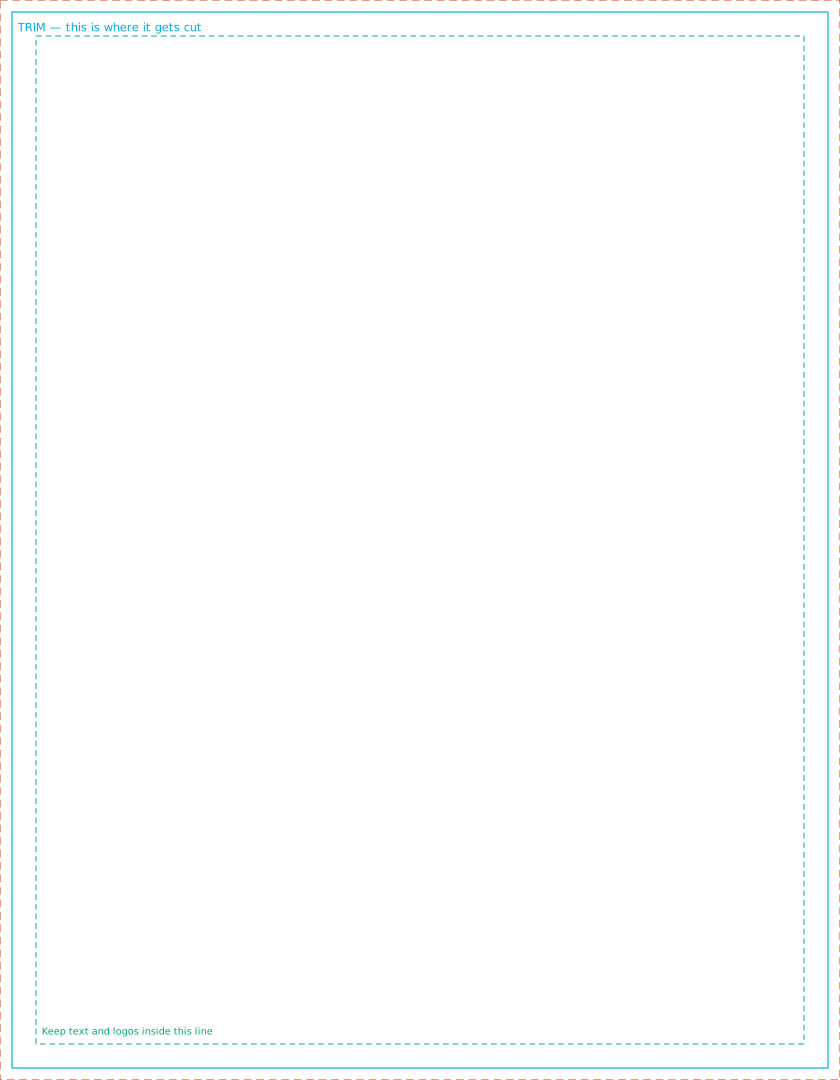
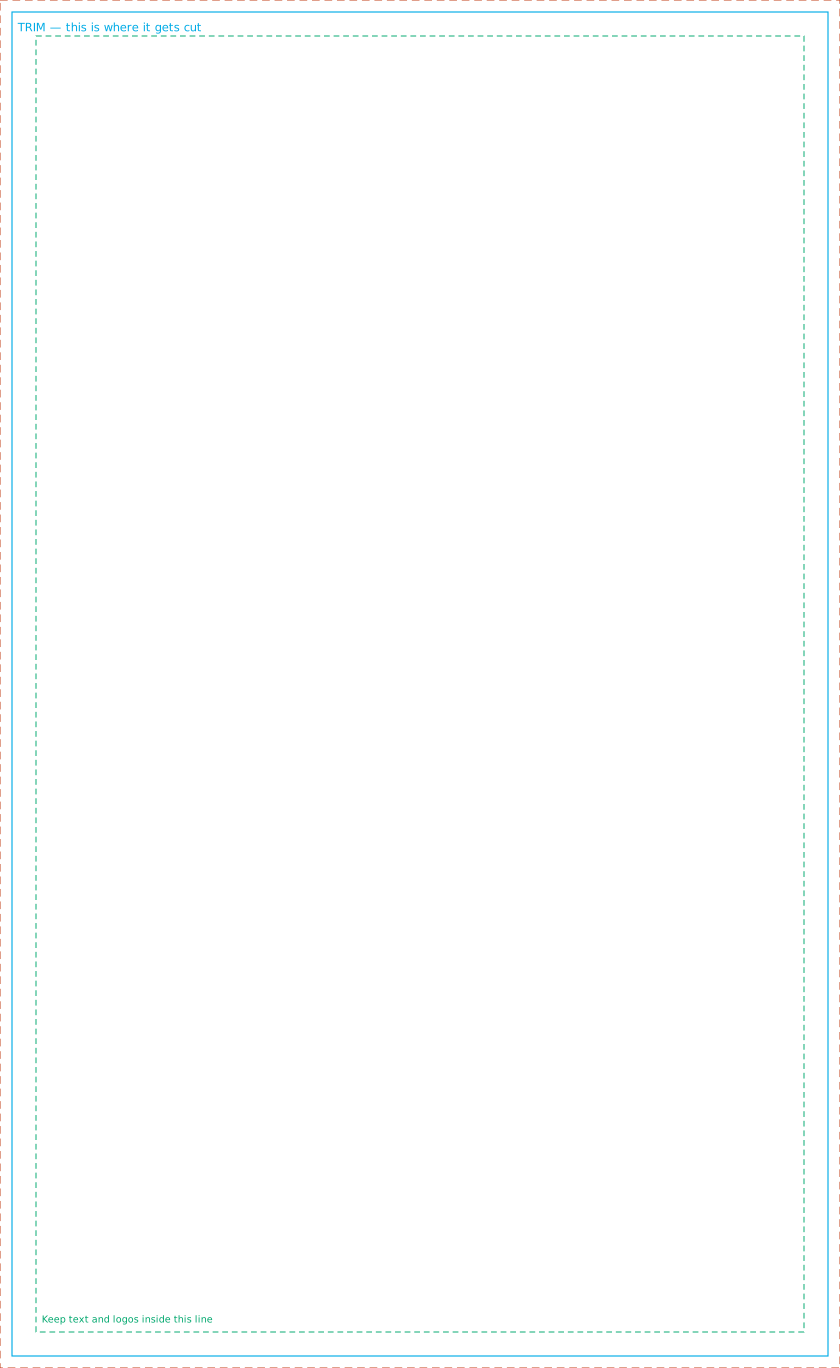
- Build to the outer edge. The outer rectangle is the bleed — run backgrounds and images all the way out to it. The cyan line is where it gets cut.
- Keep text inside the dashed green line. Trimming moves a fraction either way; anything outside that line risks being clipped.
- Delete the guide layer before sending, or send a PDF with it hidden.
- Send vector where you can. A PDF with live type stays sharp at any size. If you only have a photo, bigger is better — the store tells you the resolution when you upload.
Not sure? Upload whatever you've got on the product page and the preview will tell you where you stand before you pay.